





Marius
Your creative assistant.
Marius keeps your meetings and notes, answers your questions from them, and proposes the next step. He writes nothing until you say yes.
Your mail app is open. Send the message and we'll take it from there.
A week on ULTIMATUM
The screens are the Marius app on iPhone and Mac.
-
Friday, 18:40
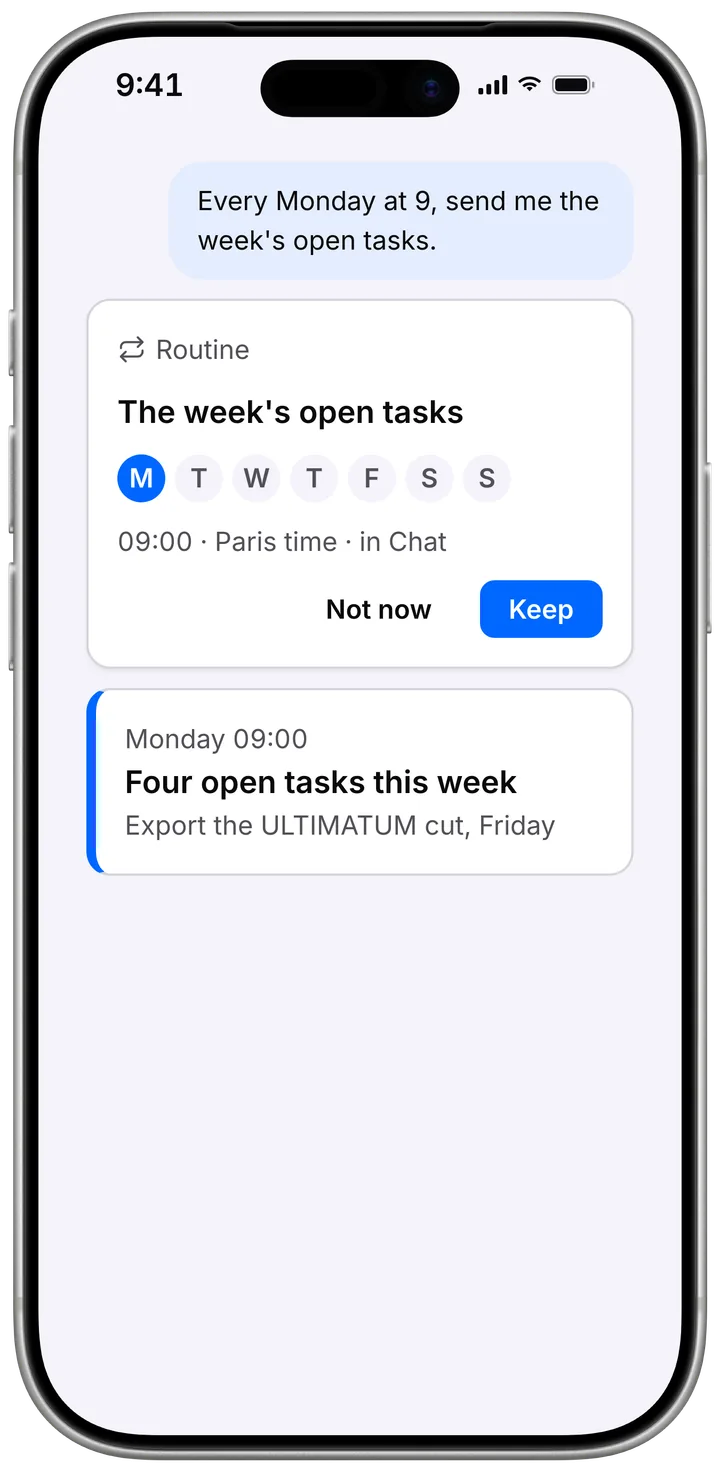
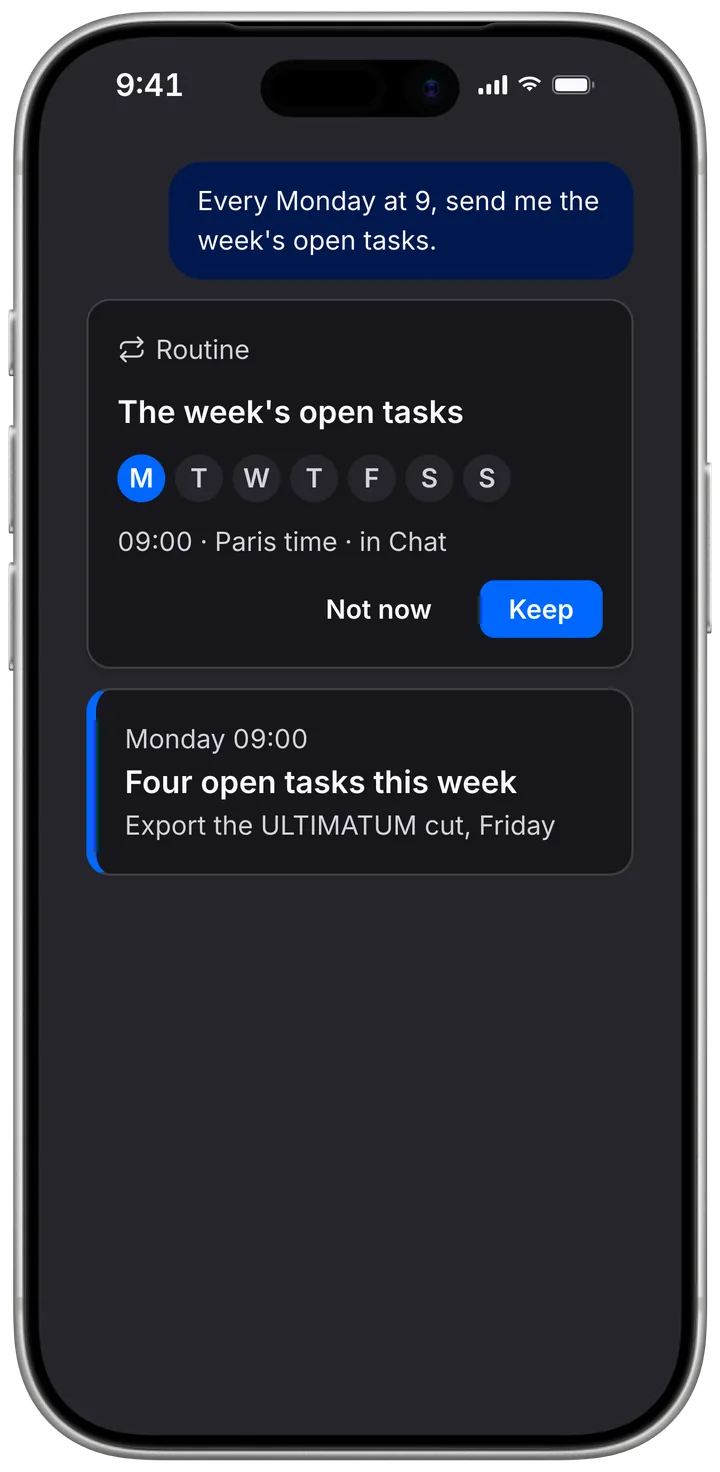
Every Monday at 9, send me the week’s open tasks.
Here’s the routine. Keep it, and I’ll send them every Monday at 9, in this chat, in Slack, or by mail.
-
Monday, 09:02
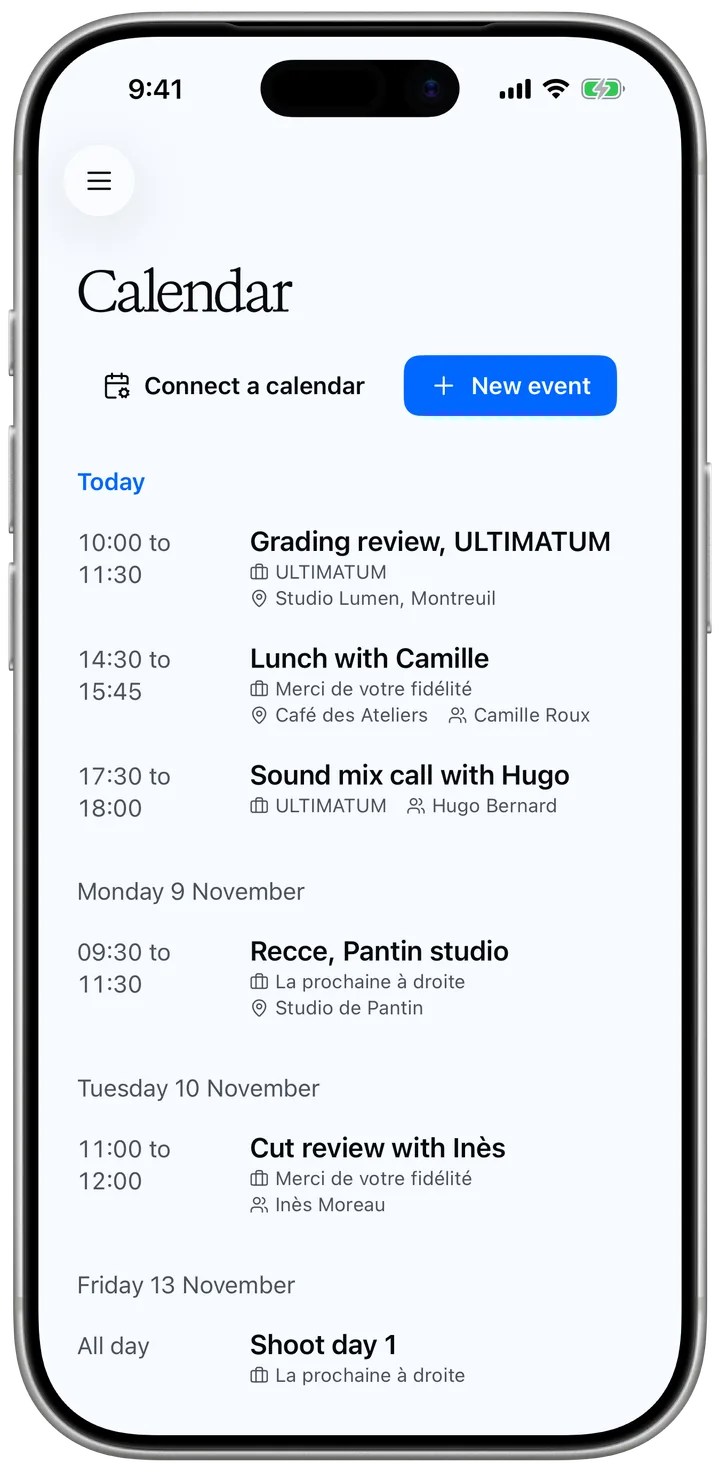
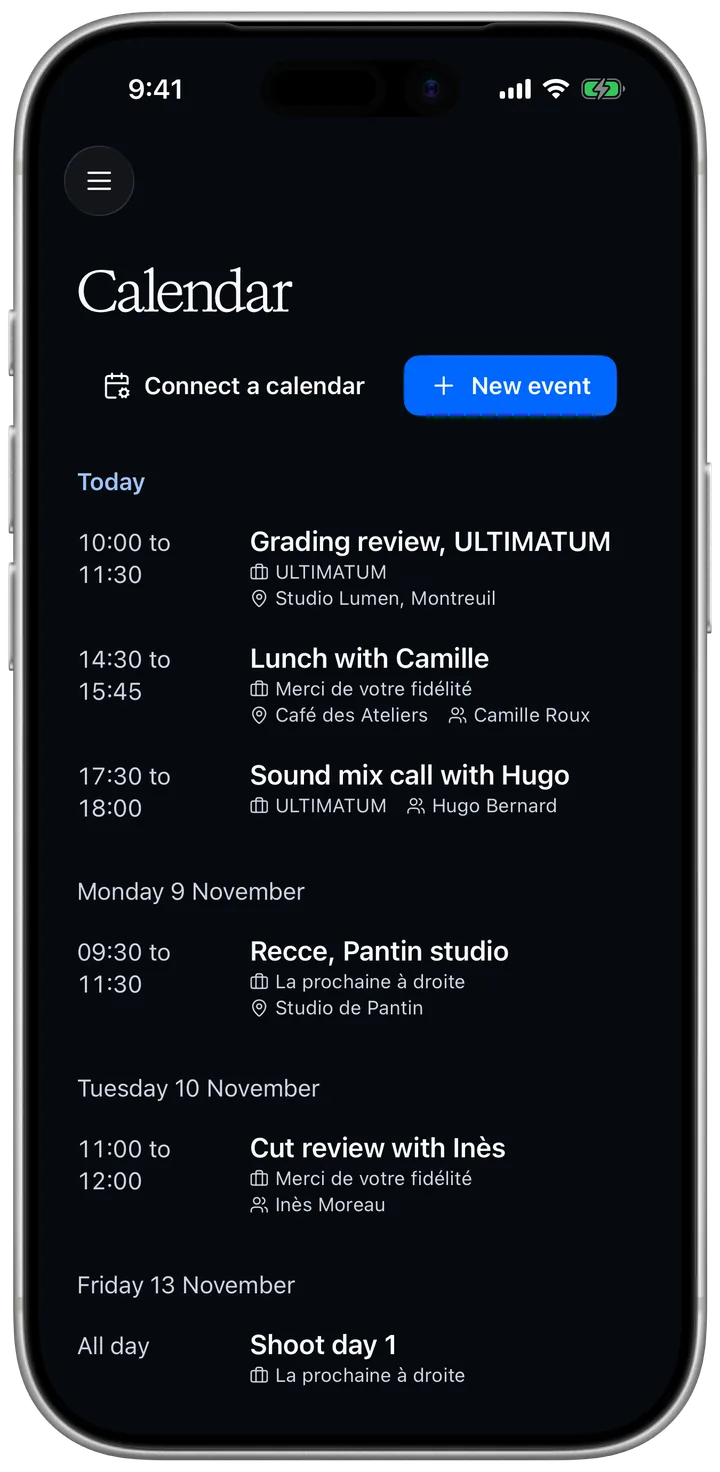
What’s on today?
The grading review of ULTIMATUM at 10:00, lunch at 14:30, and the sound mix call at 17:30.
-
Monday, 11:20
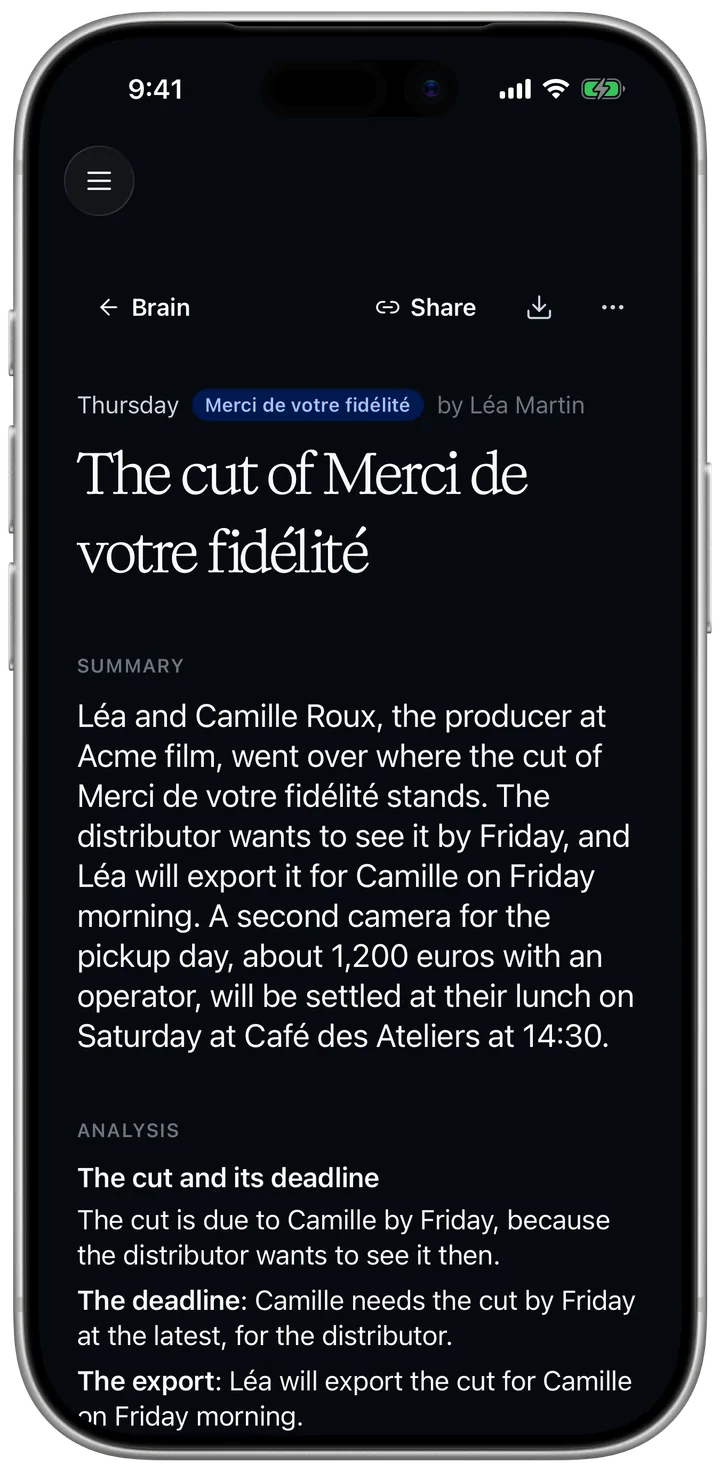
I recorded the call with the producer. Can you sum it up?
Here it is, with who said what. Each action point is now a task you can tick, starting with the cut due Friday. Next time, you can also import the file or paste the transcript.
-
Monday, 14:05
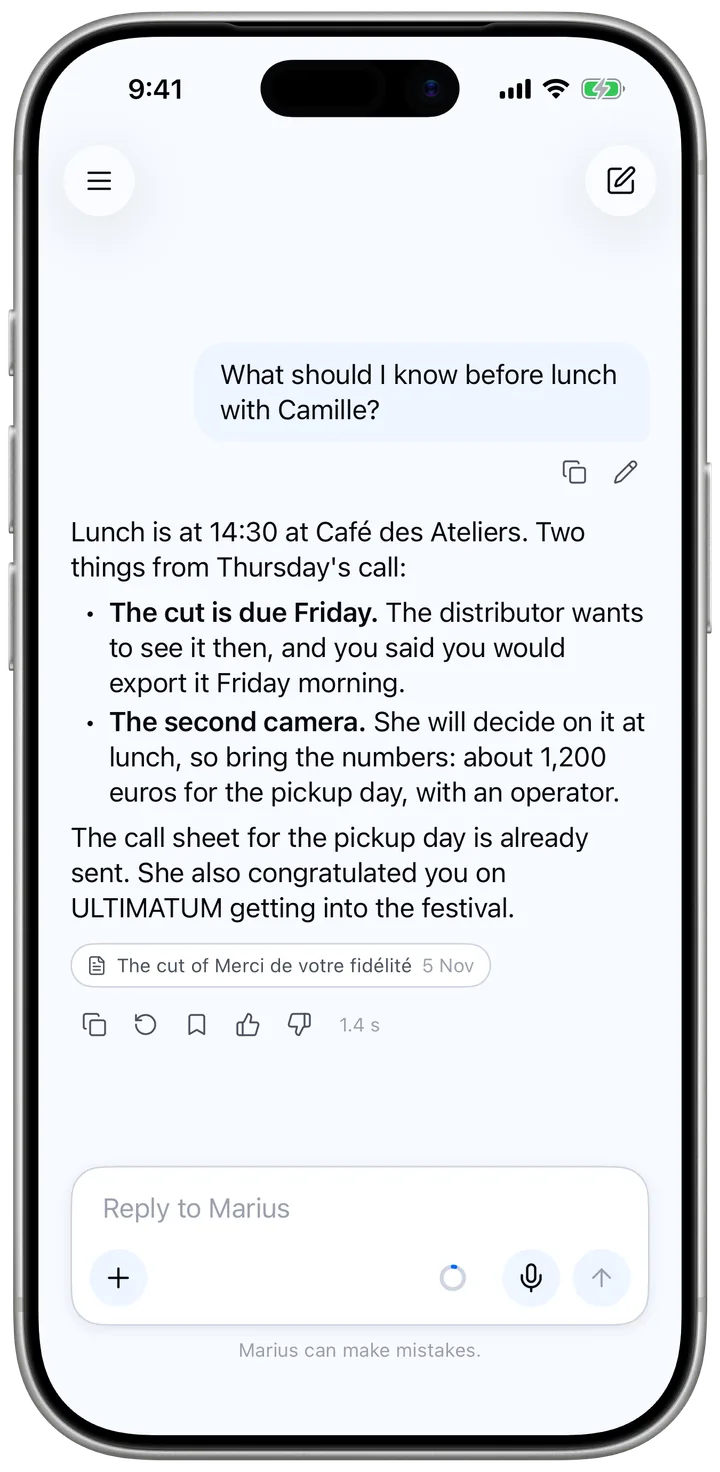
Anything I should know before lunch?
The cut is due Friday, and the second camera is still to be decided. Both come from this morning’s call, linked under the answer.
-
Monday, 16:30
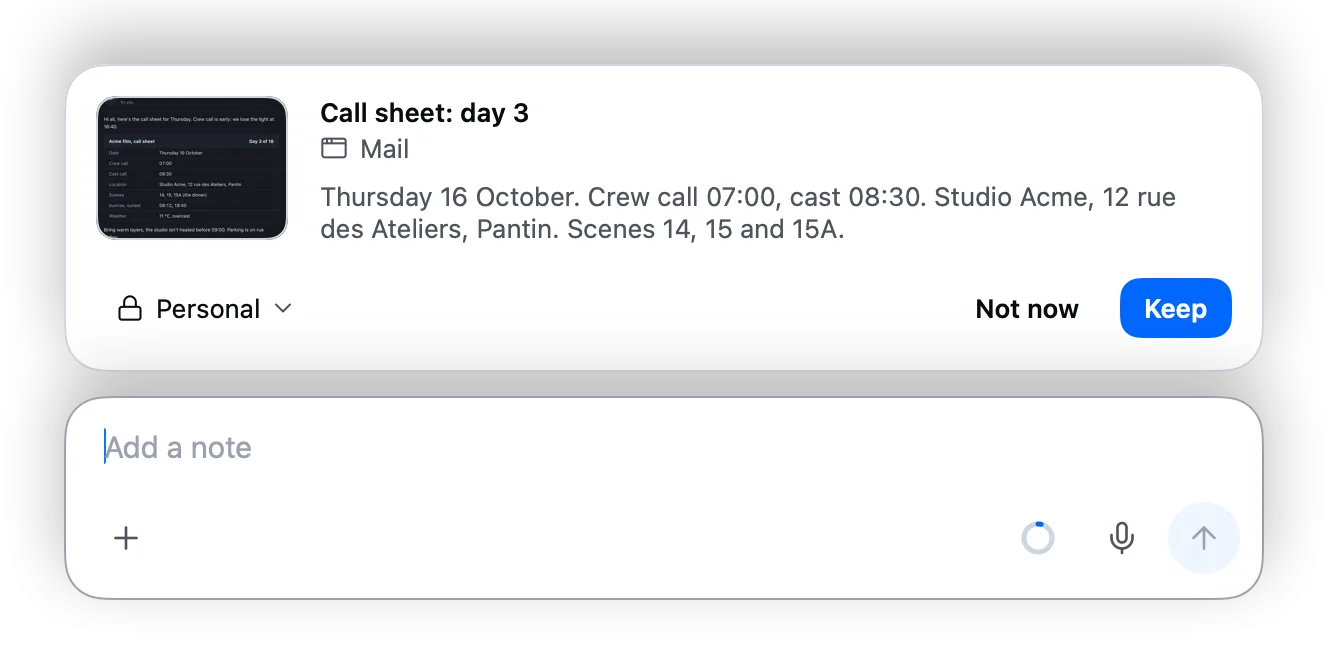
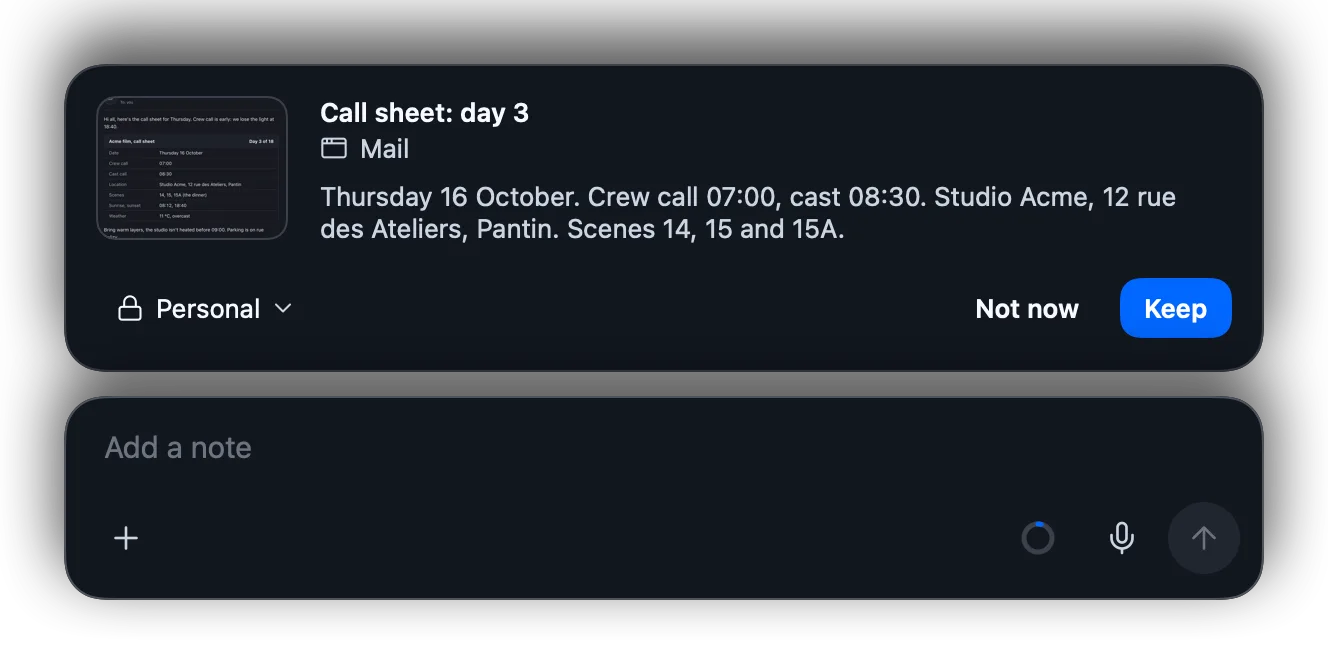
The call sheet for day 3 came in by mail. Shall I keep it? I write nothing until you say so.
Yes, keep it.
Kept
-
Tuesday, 10:15
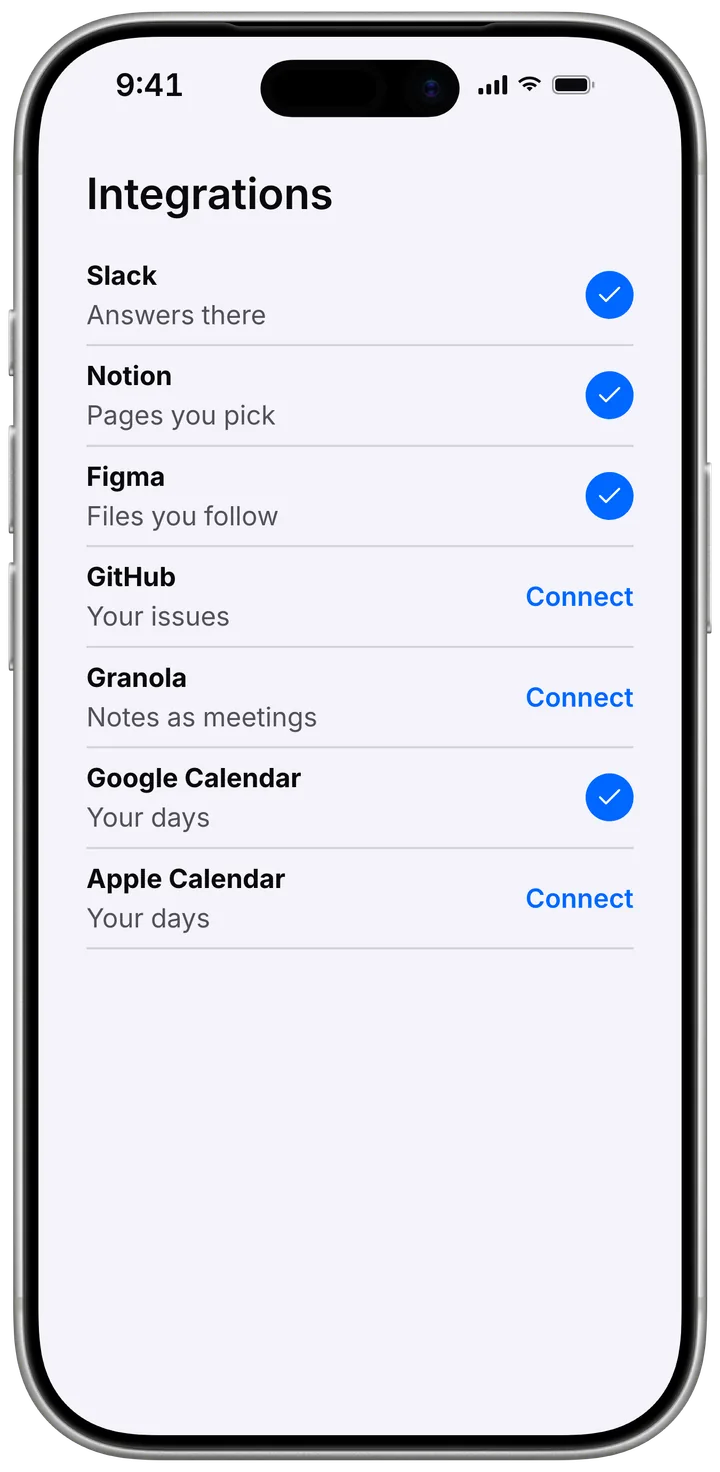
Can you read our Notion too?
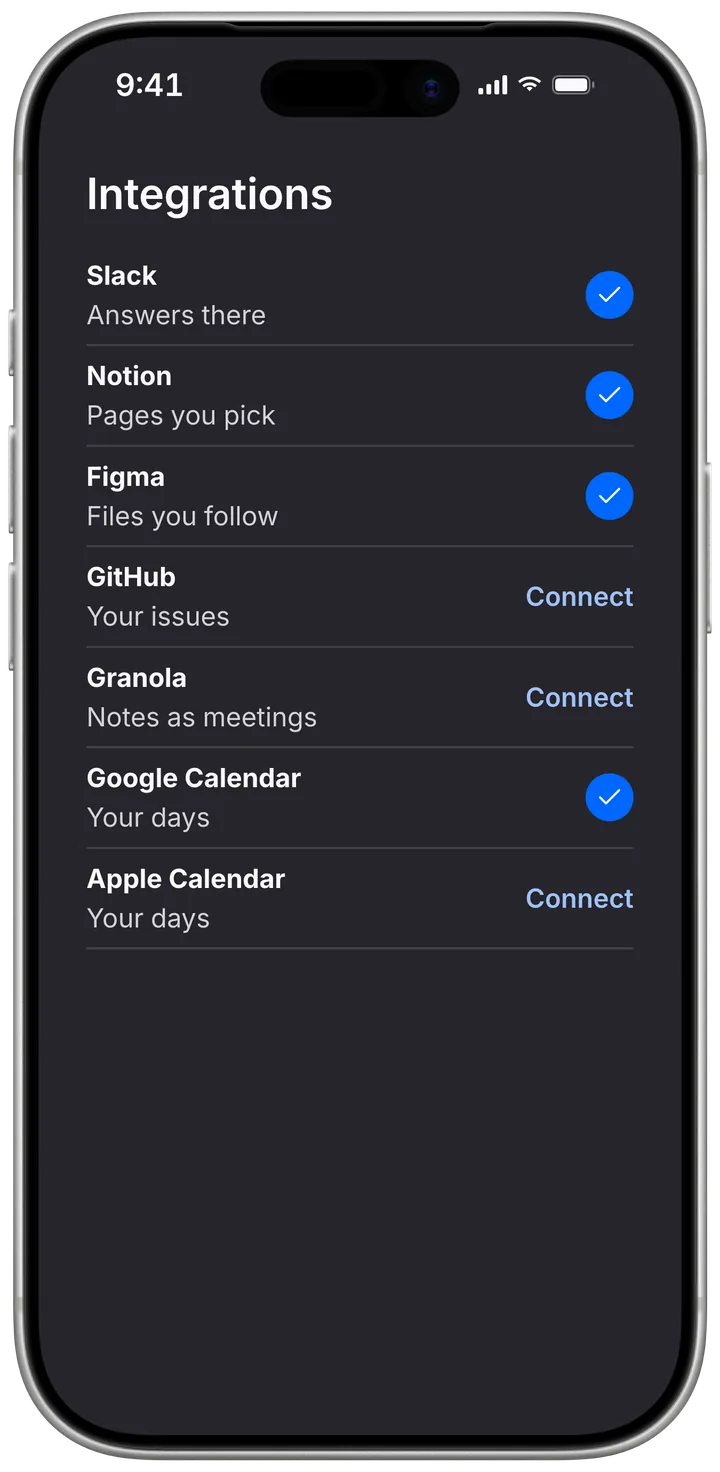
Connect it, and I’ll read the pages you pick. Slack, Figma, GitHub, Granola, and your Google or Apple calendar work the same way, and once Slack is connected, I answer there too.

Questions
Who can read what I keep?
What you keep in your team's workspace, your team reads. Your personal space is yours alone, and it goes with you from one workspace to another.
Where can I use it?
On the web at mariuuus.com, in the Mac and iPhone apps, and in Slack once your team connects it.
Which tools does he connect to?
Slack, Notion, Figma, GitHub, Granola, Google Calendar, Apple Calendar, and Popcorn today. Aurore is next.
Try Marius on your next project.
Your mail app is open. Send the message and we'll take it from there.